

AWS announced the release of their new X1 instances with the launch of the x1.32xlarge instance size. The X1 instances have been certified by SAP for production workloads. They meet the performance bar for SAP OLAP and OLTP workloads backed by SAP HANA. This instance has the following specifications:
- Processor: 4 x Intelâ„¢ Xeon E7 8880 v3 (Haswell) running at 2.3 GHz – 64 cores / 128 vCPUs.
- Memory: 1,952 GiB with Single Device Data Correction (SDDC+1).
- Instance Storage: 2 x 1,920 GB SSD.
- Network Bandwidth: 10 Gbps.
- Dedicated EBS Bandwidth: 10 Gbps (EBS Optimized by default at no additional cost).
The automation engineers at stackArmor have developed an easy to use jumpstart tool to help customer take advantage of AWS’s range of computing instances with a few simple clicks. StackBuilder is an easy to use cloud app store front that allows users to quickly select and operate a AWS cloud hosted website, dev & test, data analytics or eCommerce service. The StackBuilder cloud app store allows users to quickly deploy and use SAP HANA and the SAP HANA Interactive Education (SHINE) application hosted on AWS.
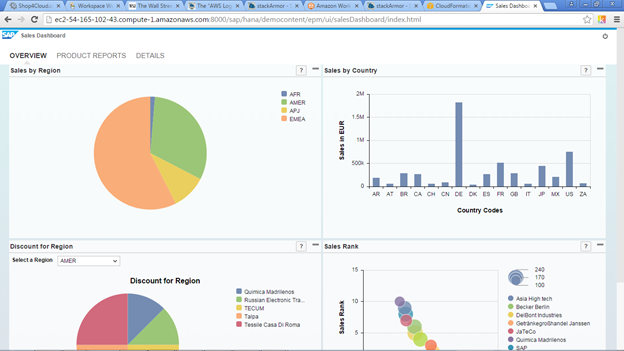
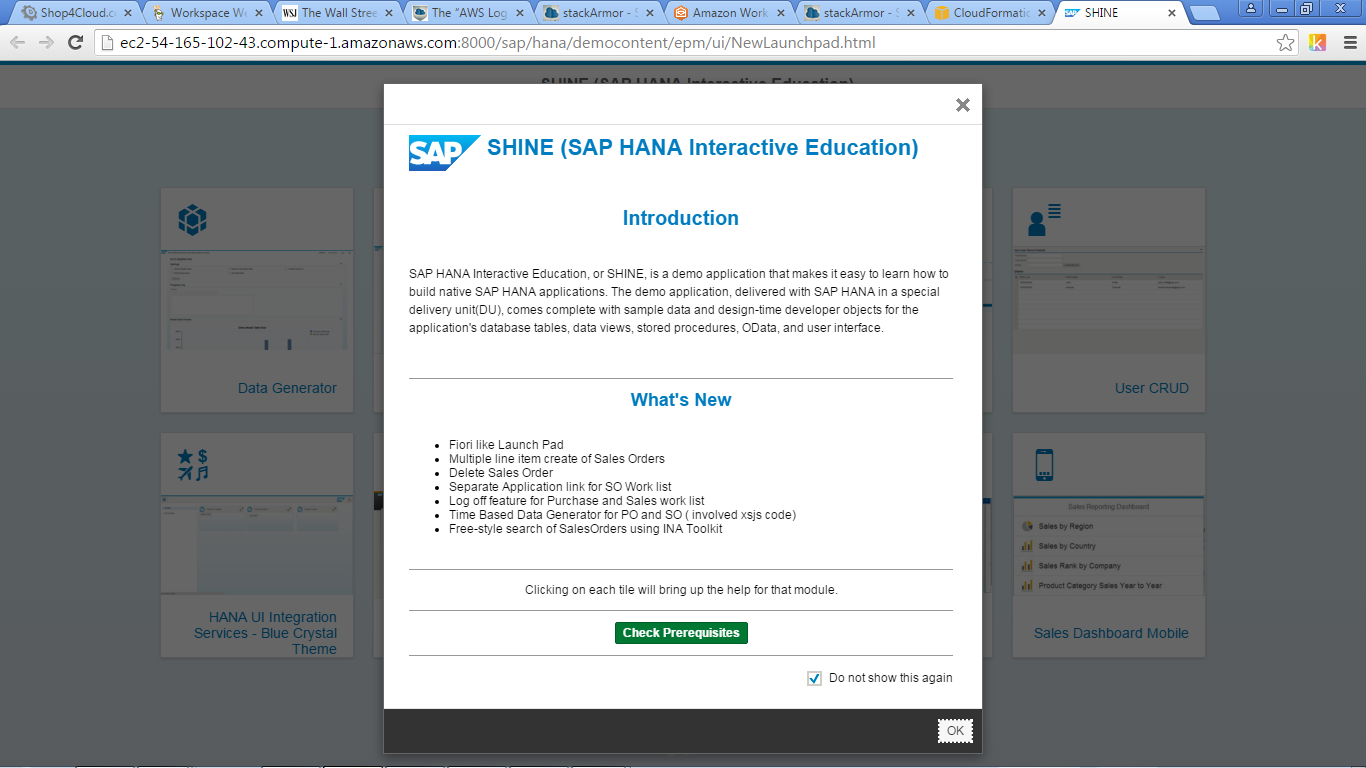
Figure 1 – SAP HANA Shine Application hosted on AWS using StackBuilder
SAP HANA is an in-memory database management system that is certified for use the AWS cloud. SAP HANA on the AWS cloud provides:
- Fast onboarding and enablement using StackBuilder for SAP HANA project with the AWS on-demand infrastructure.
- Seamlessly integrate SAP HANA system running in Amazon Virtual Private Cloud (VPC) and rapidly evaluate and test the solution.
- Scale resources up or down as necessary. Pay only for the infrastructure resources that you need and use.
- Develop and deploy SAP HANA quickly and reliably in the cloud, and leverage on-demand pricing model.
In order to get started with SAP HANA on AWS including the SAP HANA Interactive Education (SHINE) application go to https://stackbuilder.stackarmor.com
Step 1: Select Data Analytics as the workload profile and click Next
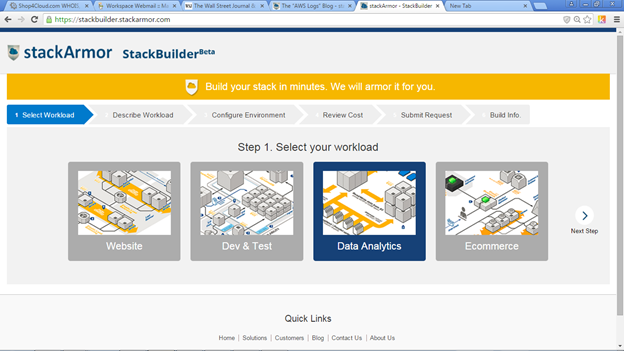
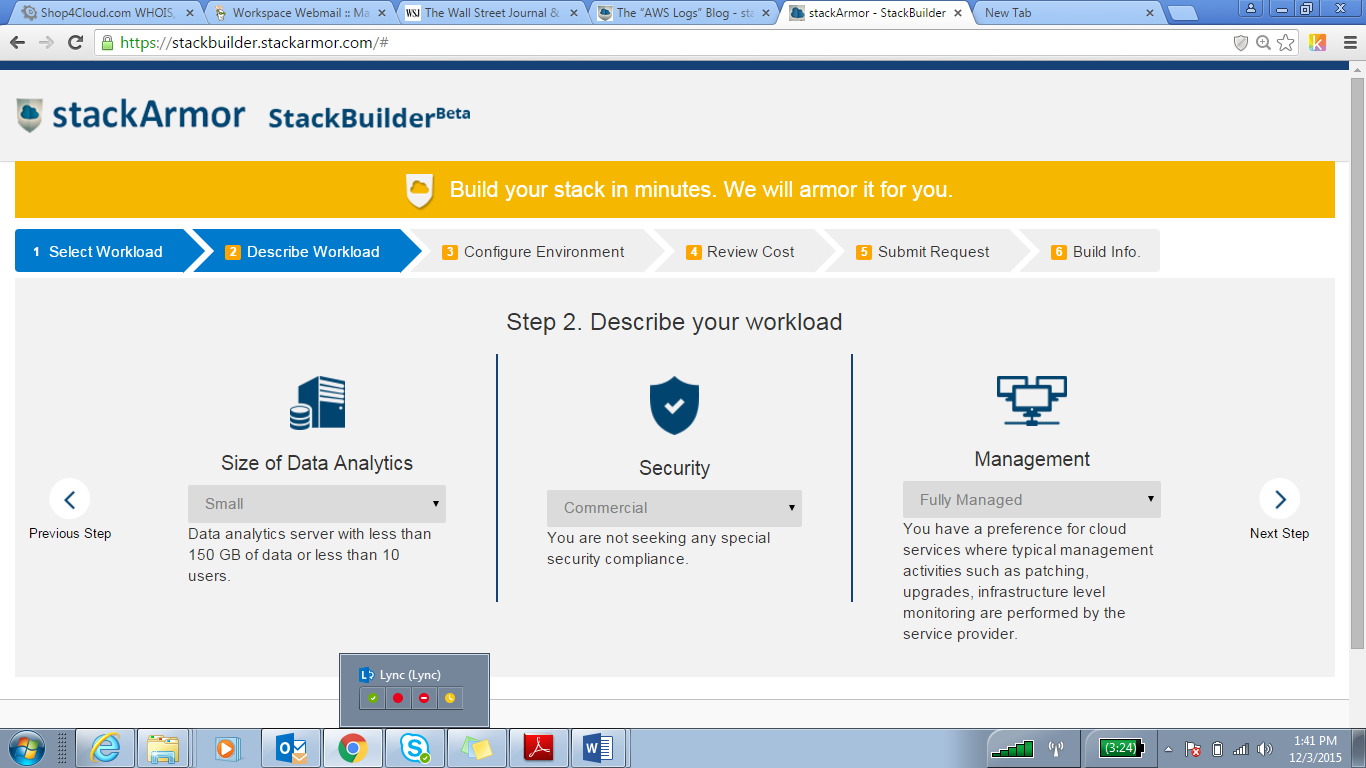
Step 2: Describe the workload environment in terms of size, security by industry and management model
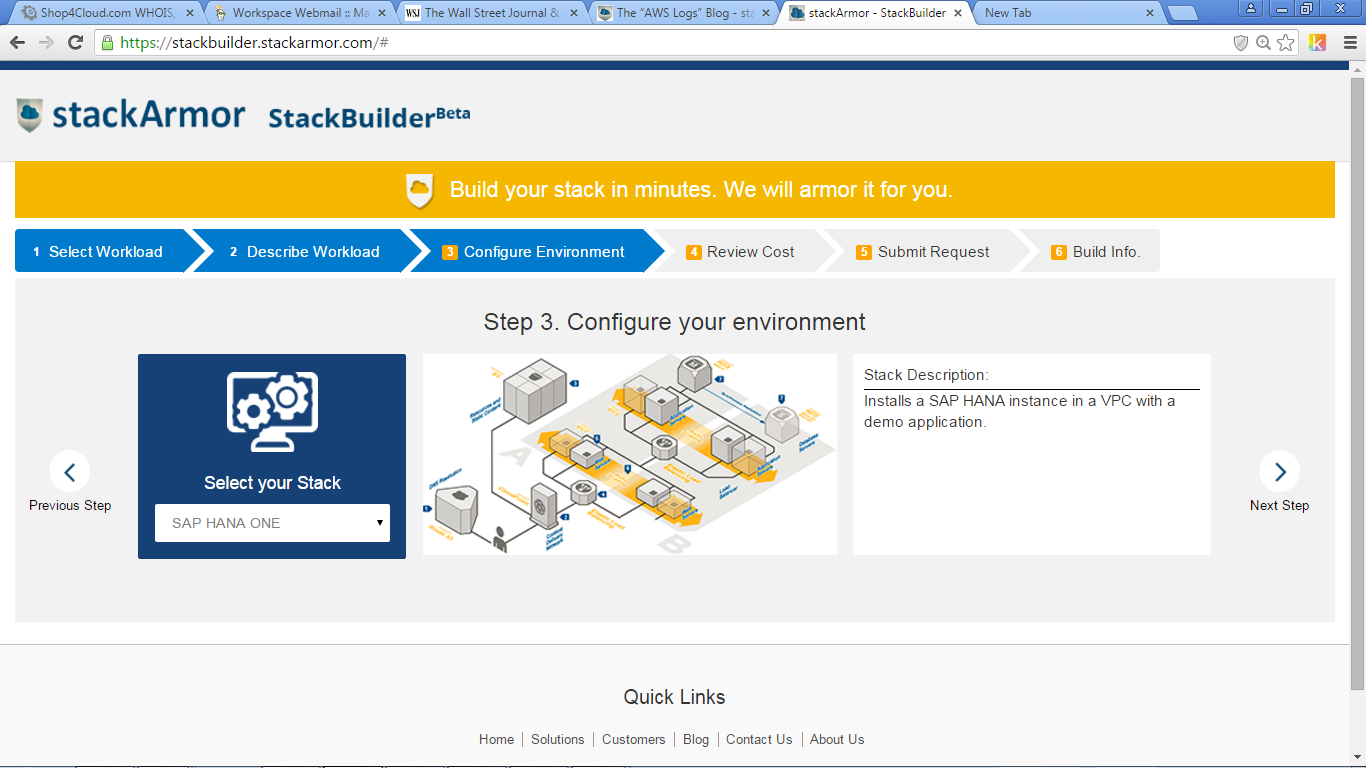
Step 3: Configure environment by selecting stack – SAP HANA ONE
Step 4: Review Hosting Cost inclusive of software and maintenance fees
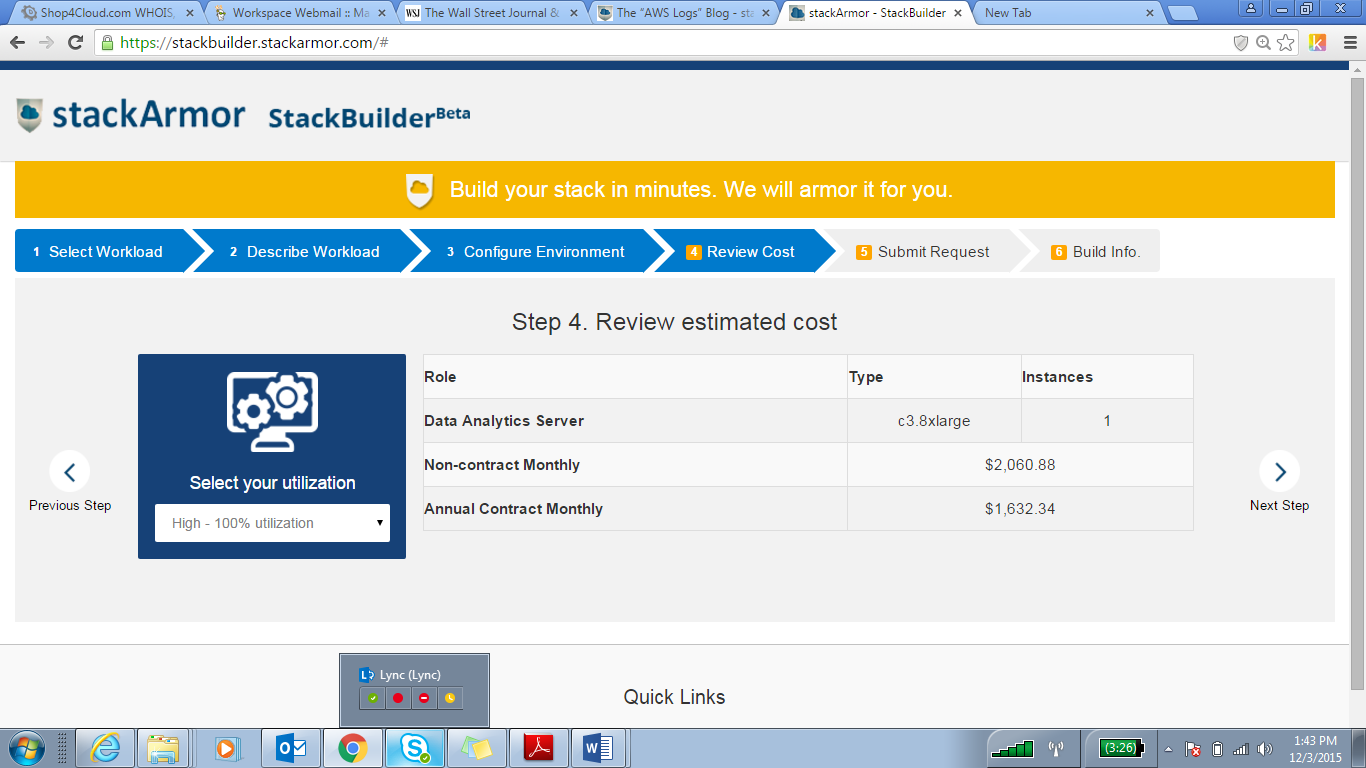
Step 5: Fill out form and submit request to provision environment. Once, the environment has been provisioned you will get an email with the access URL and a User Name & Password.
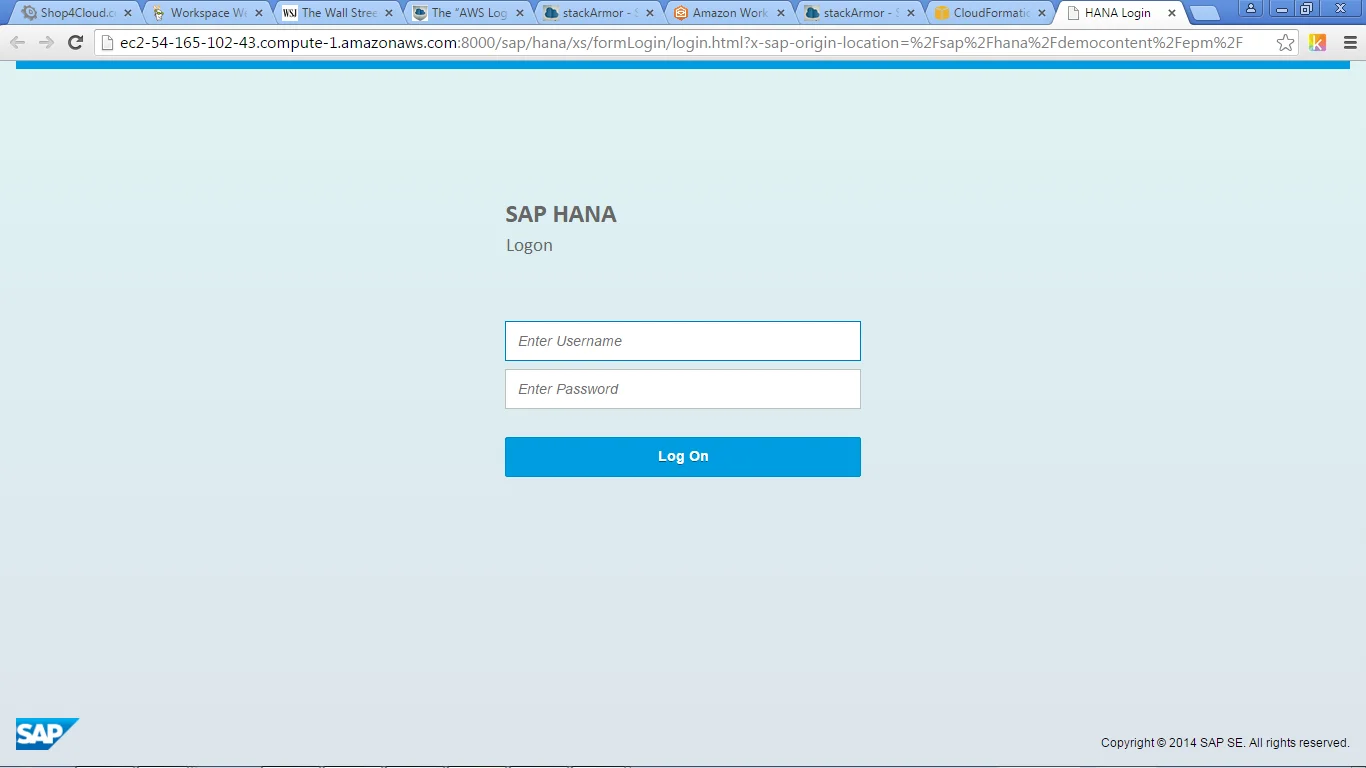
Step 6: Login into the SAP HANA Interactive Education (SHINE) application
Step 7: Select appropriate dashboard and begin using application
Similar to SAP HANA, StackBuilder provides easy to use installation and deployment of Tableau Server and Drupal 8. For using Drupal 8, select Websites and walk through the wizard to receive a URL with a fully provisioned environment. Please send us an email at [email protected] to answer any questions or to try StackBuilder.
Interested in reading more about jumpstarting your SAP HANA project on AWS? Read our white paper.
https://stackarmor.com/resources/